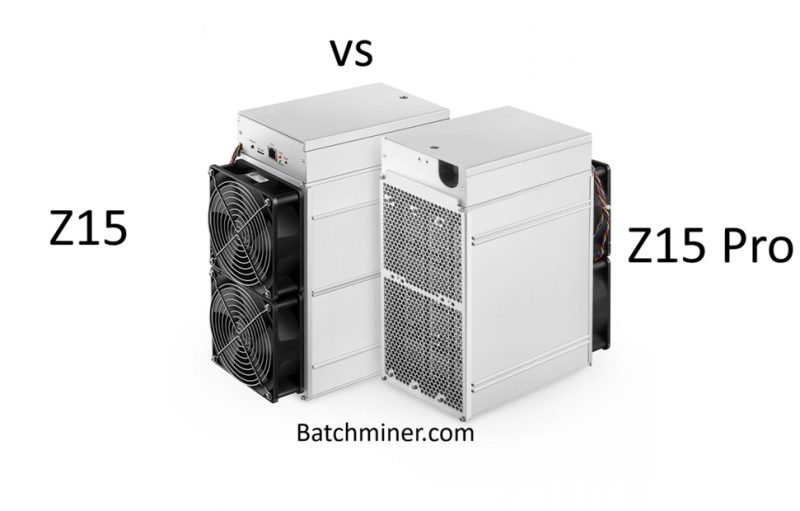


Below is A Simple Guide to Cleaning Your ASIC Miner
Hello my fellow miners! Your ASIC miner works very hard and gets very hot. To keep it working well, you must clean the dust from inside it. Dust makes it too hot and can break it, so it is very important to clean it as part of maintenance.
Let’s learn how to clean it safely.
Step 1: Get Your Tools Ready
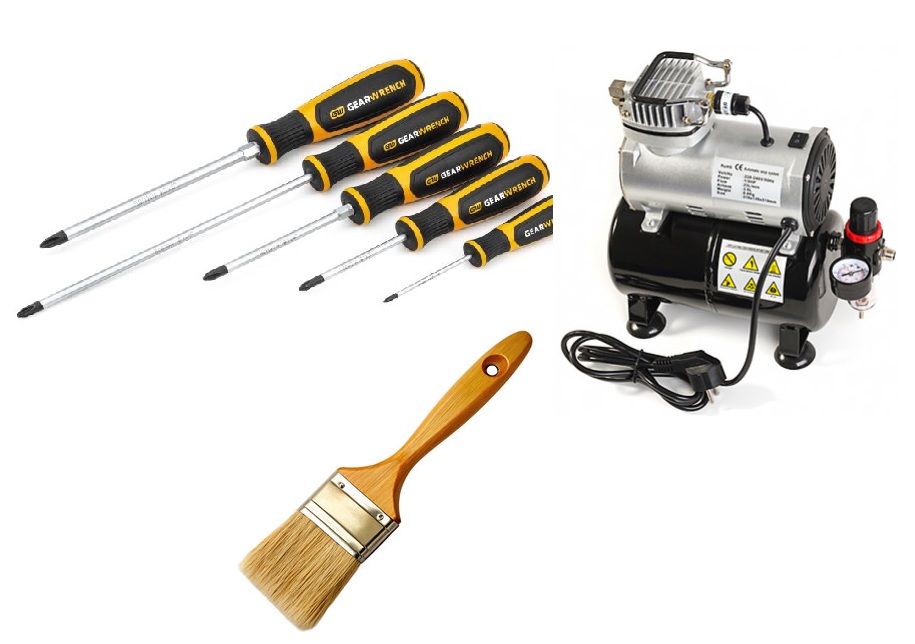
You do not need many things. You will need:
-
A screwdriver set (to open the miner’s case).
-
An air compressor or a can of compressed air. This is the best way to blow dust away.
-
A small, soft paintbrush (like one for painting art).
-
A good place to work outside or in a garage. It will get dusty!
Important: Always turn off and unplug your miner before you start. Wait for it to become cool.
Step 2: Open the Miner Case
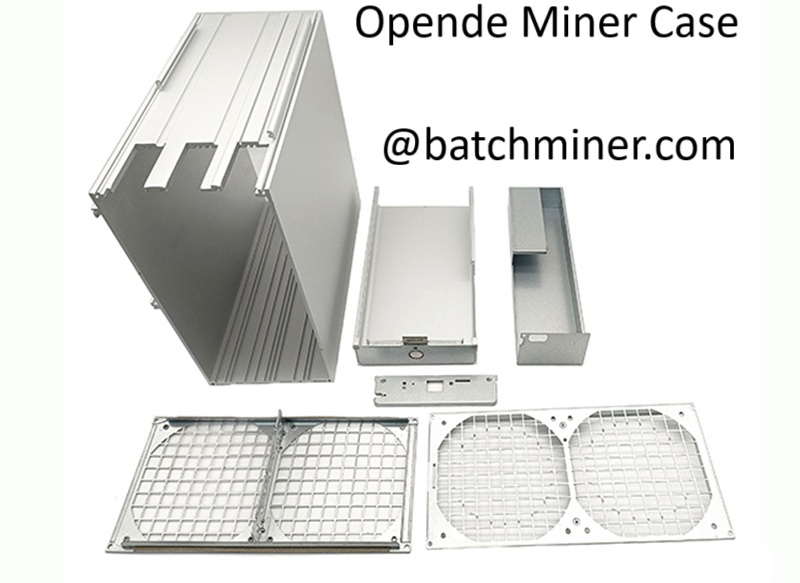
Use your screwdriver to carefully remove the screws on the miner’s case. Place the screws in a small bowl so you do not lose them. Gently take the top cover off. Now you can see the inside.
Step 3: Clean the Dust Away
Now, use your tools to clean.
-
Use the Air Compressor: This is your most important tool. Hold the nozzle a little away from the parts inside and blow the air. Try to blow the dust out from the inside to the outside. Be gentle. Do not let the fans spin too fast from the air, as this can damage them. You can use your finger to hold the fan in place while you blow air near it.
-
Use the Soft Brush: For dust that sticks, use your soft brush. Gently brush the dust away from the chips and metal heatsinks. Always brush the dust toward the outside of the miner.
Be very careful with all the small parts inside. Do not pull or push on anything.
Step 4: Put Everything Back Together
When the inside looks clean and has no dust, it is time to close it.
-
Put the top cover back on.
-
Use your screwdriver to put all the screws back in. Make sure they are tight.
Step 5: Plug It In and Test
Take your miner back to its place. Plug all the cables in and turn it on. Watch it for a few minutes. Check that the fans are spinning and the lights are normal. It should now run cooler and quieter.
How Often Should You Clean?
If your room is very dusty, clean your miner every 1-3 months. If your room is clean, you can clean it every 6 months. A clean miner is a happy and profitable miner!
Final Tips
I’m pretty sure you must have learned from the tips above i provided, it is also necessary to check when you buy refurbished ASIC miners to make sure everything is clean to ensure longevity of the machine